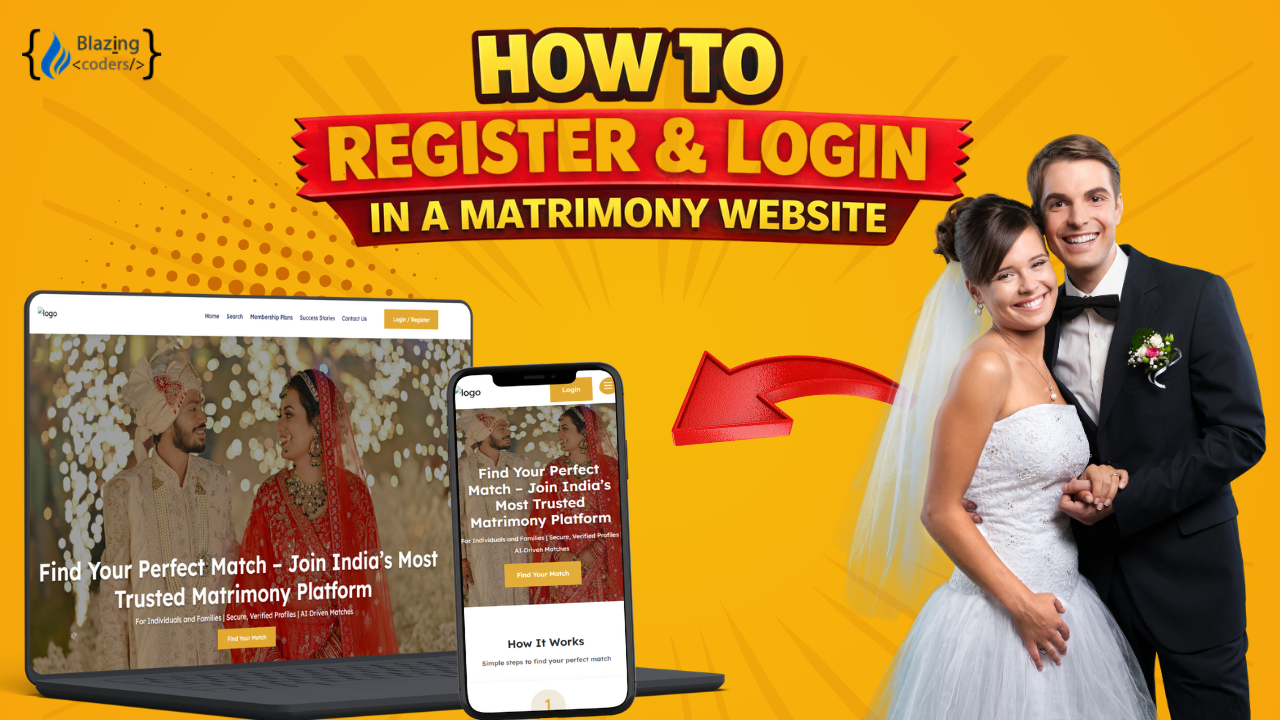
Matrimony Mobile App Full Demo | Step-by-Step Guide
Date : Mar 4, 2026
Managing your profile after registration is the first step toward finding the perfect life partner, and our matrimony mobile app makes profile management simple and secure. After login, you will land on the dashboard where you can view your profile summary, update details, and explore match suggestions.
In the My Profile section, you can edit personal details like date of birth, marital status, height, and profile information. You can also update family details, education, profession, location, and hobbies to keep your profile complete and attractive.
Partner preference settings allow you to define criteria such as age, religion, community, and location so that you receive more relevant match suggestions. Contact filter settings help you control who can reach you, ensuring privacy and better interactions.
From the settings section, you can manage notifications, update contact details, and control privacy preferences. You can also enable or disable alerts for matches and messages. If needed, you can hide your profile or delete it permanently.
The platform also includes messaging features for direct communication, payment history for subscription management, and advanced search options to find compatible partners. Everything is designed to be user-friendly and accessible across devices.
This is a complete overview of profile management and dashboard features. Thank you for watching!
FAQ
1. What can users do after logging in to the matrimony mobile app?
After login, users can manage their profile, update preferences, explore matches, send messages, and control privacy settings.
2. Can profile details be updated anytime?
Yes, users can edit personal, family, and preference details anytime from the dashboard.
3. How do partner preferences work?
Partner preferences allow users to set criteria such as age, religion, community, and location to receive relevant match suggestions.
4. Can users control notifications?
Yes, users can enable or disable notifications for messages, matches, and profile updates.
5. Is there an option to hide or delete the profile?
Yes, users can hide their profile temporarily or delete it permanently from the settings section.
6. Is the app mobile-friendly?
Yes, the app is fully responsive and works seamlessly on smartphones and tablets.
From Idea to Launch – We’ve Got You!
Get Your FREE Business Plan.
 (1).mp4)