Step-by-Step Matrimony Dashboard Walkthrough | Profile Management Guide
Date : Mar 3, 2026
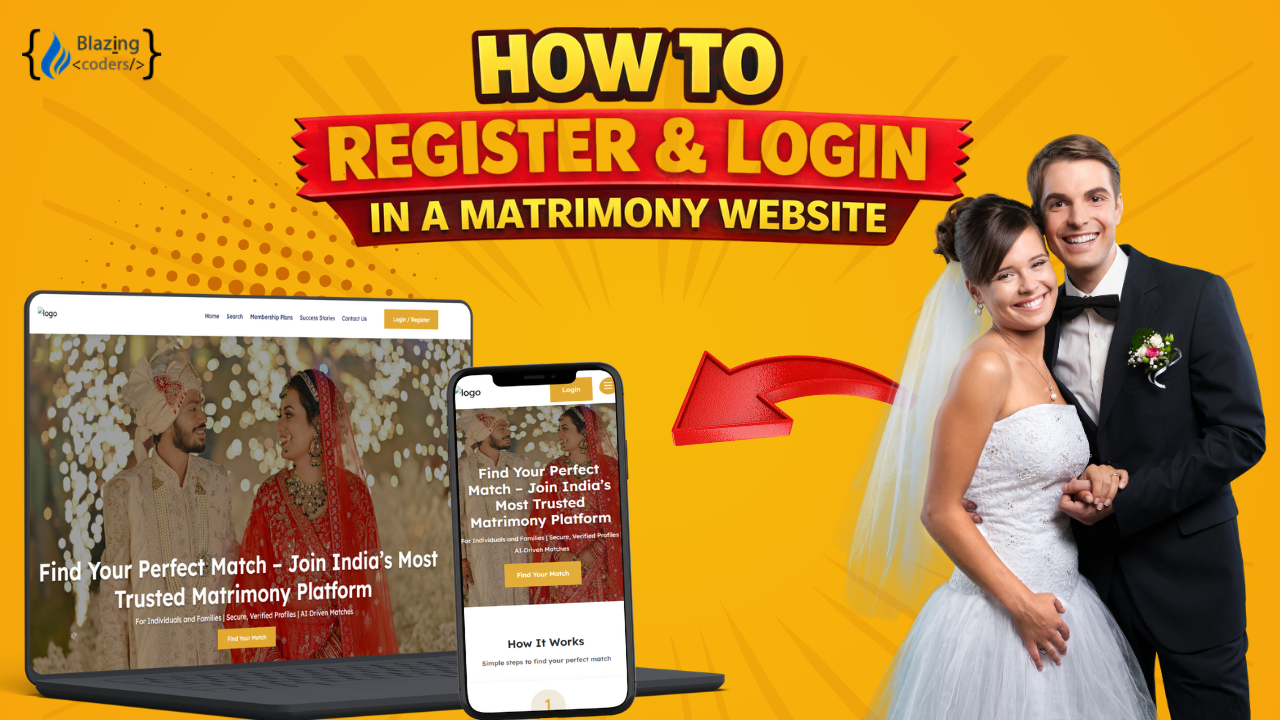
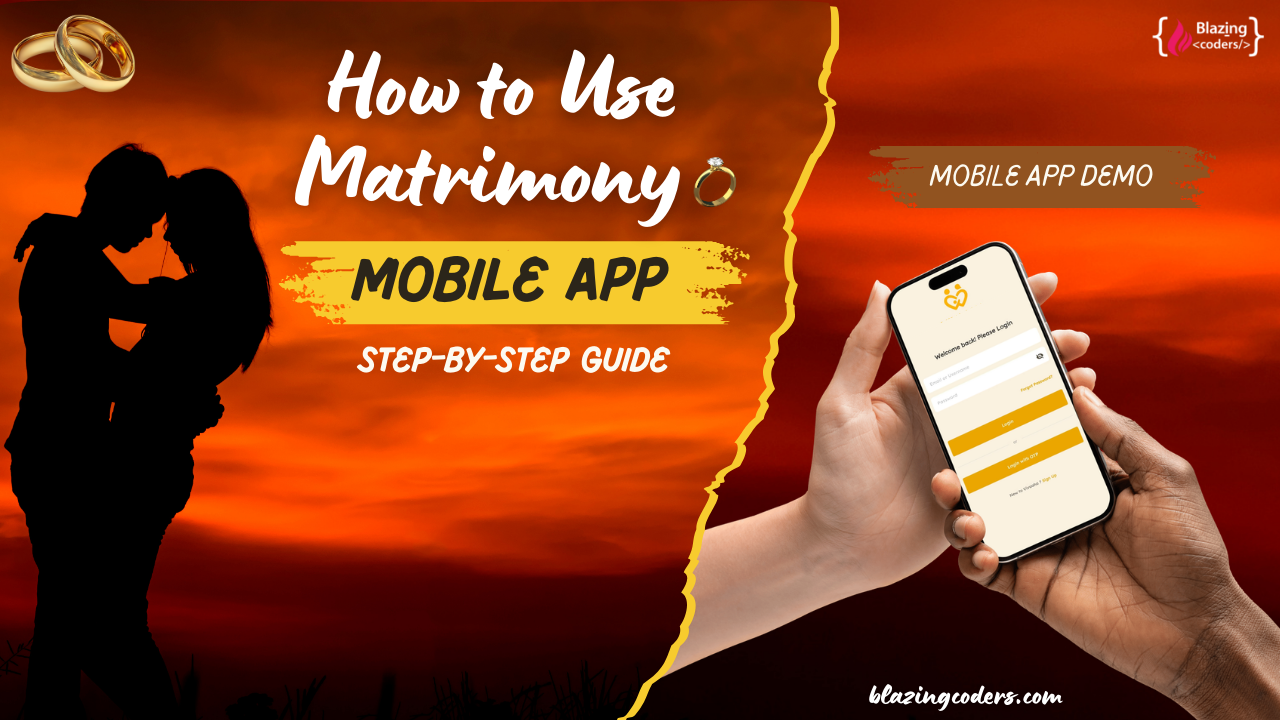
Managing your profile after registration is an essential step toward finding the right life partner, and our advanced Matrimony Website makes this entire process simple, organized, and fully secure. In this video, we demonstrated the complete post-login dashboard flow, starting from the user login and landing directly on the personalized dashboard.
Once logged in, users can access their profile summary, completion percentage, recent activities, and match suggestions from one central control panel. The My Profile section allows users to edit personal details such as profile managed by, date of birth, marital status, diet preference, and health information including blood group.
Users can update contact information, change phone numbers, and upload or modify profile photos to improve visibility. The platform also allows editing family details, education qualifications, professional background, income information, location details, hobbies, and personal descriptions to maintain a complete and attractive profile.
One of the most powerful features available after login is Partner Preferences Management. Users can customize filters such as age range, height, religion, community, mother tongue, country, education, profession, income, and lifestyle preferences. These filters help generate more accurate and relevant match suggestions.
The dashboard also includes advanced Contact Filter Settings, allowing users to control who can contact them based on selected criteria. This ensures privacy and improves the quality of interactions.
In the Settings Section, users can update their email address, manage contact preferences, control email and SMS notifications, and enable or disable alerts such as premium matches, recent visitors, profile views, shortlist notifications, contact requests, and message alerts.
The Privacy Options provide complete control over profile visibility, including display name, photos, phone number, email address, date of birth, and income details. Users can also enable “Do Not Disturb” mode, hide their profile temporarily, or permanently delete their account if needed.
The platform also includes a Message & Chat System, where users can send customized messages, communicate in real time, and manage inbox conversations efficiently.
Under Payment History, users can view completed transactions, download invoices, upgrade membership plans, and cancel subscriptions anytime with full transparency.
The Search & Matches Section offers both basic and advanced search options, allowing users to apply detailed filters and find compatible profiles easily. The system-generated Matches section displays profiles aligned with user preferences for better matchmaking accuracy.
The entire post-login experience is designed to be secure, scalable, and seamless across mobile, tablet, and desktop devices, ensuring smooth navigation and profile management at every step.
FAQ
1. What can users do after logging in to the matrimony website?
After login, users can manage their profile, update personal and professional details, set partner preferences, control privacy settings, send messages, view matches, and manage subscriptions.
2. Can users edit their profile details anytime?
Yes, all profile sections including personal, family, education, and partner preferences can be updated anytime from the dashboard.
3. How do contact filters work?
Contact filters allow users to control who can contact them based on criteria like age, religion, community, location, and other selected preferences.
4. Can users manage notifications?
Yes, users can enable or disable email and SMS alerts for profile views, matches, messages, shortlists, and other updates.
5. Is there an option to hide or delete the profile?
Yes, users can temporarily hide their profile or permanently delete their account from the settings section.
6. Can users track payments and subscriptions?
Yes, the payment history section allows users to view transactions, download invoices, upgrade plans, and cancel subscriptions anytime.
7. Is the dashboard mobile-friendly?
Yes, the entire dashboard and profile management system is fully responsive and works smoothly on all devices.
From Idea to Launch – We’ve Got You!
Get Your FREE Business Plan.
 (1).mp4)