Lazy load Images Using jQuery / JavaScript
lazy load images using jquery
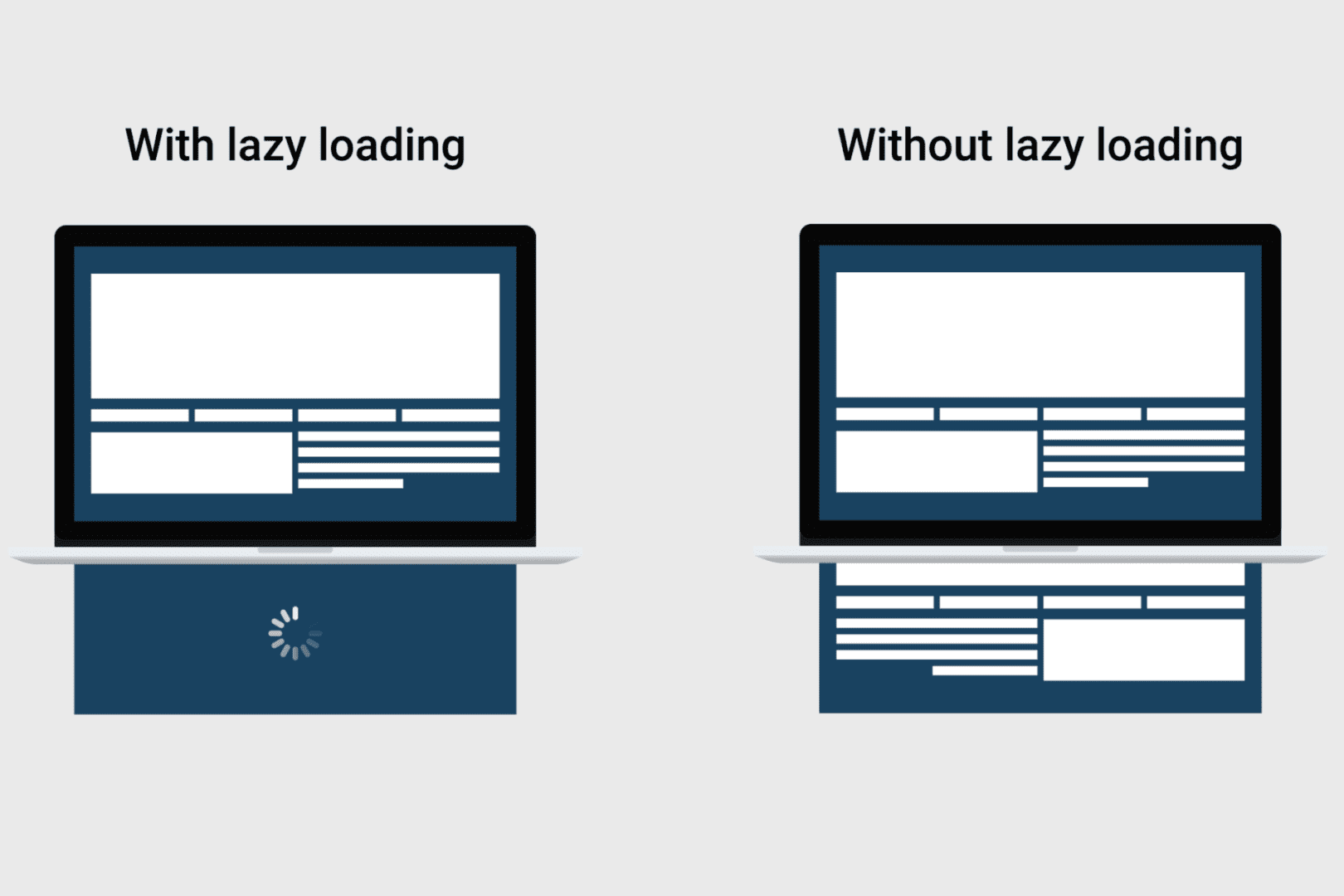
Lazy Load is a jQuery script written in JavaScript. It delays the loading of images on long web pages. All the images are loaded one by one while the page is getting scrolled. Images outside of viewport visible part of a web page won't be loaded before user scrolls to them.
Replace image src with blank image and add image source in data-src
Add this Javascript function in footer of the page this simple script helps in lazy loading of image
function loadImage (el, fn) {
var img = new Image()
, src = el.getAttribute('data-src');
img.onload = function() {
if (!! el.parent)
el.parent.replaceChild(img, el)
else
el.src = src;
fn? fn() : null;
}
img.src = src;
}
function elementInViewport(el) {
var rect = el.getBoundingClientRect()
return (
rect.top >= 0
&& rect.left >= 0
&& rect.top <= (window.innerHeight || document.documentElement.clientHeight)
)
}
var images = new Array()
, query = $q('img.lazy')
, processScroll = function(){
for (var i = 0; i < images.length; i++) {
if (elementInViewport(images[i])) {
loadImage(images[i], function () {
images.splice(i, i);
});
}
};
}
;
// Array.prototype.slice.call is not callable under our old browsers
for (var i = 0; i < query.length; i++) {
images.push(query[i]);
};
processScroll();
addEventListener('scroll',processScroll);
}(this)
The above Javascript function will help you to load images slow when the pages is scrolled. this will help webpage to load fast and prevent may HTTP request. page speed with be increased.