Advantages and benefits of Outsource CMS development

Advantages and benefits of Outsource CMS development

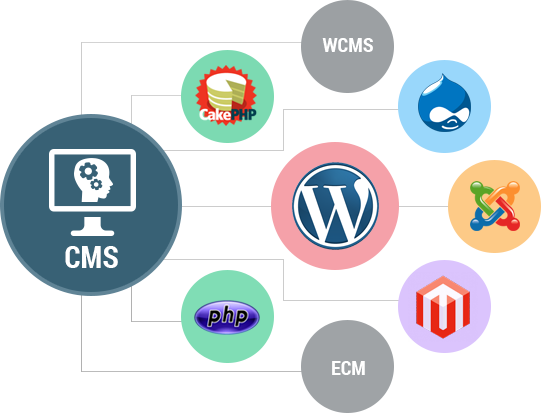
Are you a skilled person to design and develop an impressive and user-friendly website? if not, Please wait don’t take a risk and don’t waste your time and energy on doing things. It is advisable to Outsource your Cms(Content Management System) Development work to blazingcoders an experienced web development company. There are various advantages of Cms(Content Management System) Outsourcing.

Advantages and Benefits of Outsource CMS development are listed Below:-

Cost Saving: Hiring a website design company for web design services is an economical and cost saving option.

Time-saving: It helps to save your time and allows you to concentrate on another important task

Quality work: Experienced Cms Developer can give you a good quality of work

Timely completion of project: Company will maintain their timeline. so you can able to complete the project on time

If you are planning to develop a Cms(Content Management System). please Contact Blazingcoders an Outsource CMS development company


Tags

  • Outsource CMS development india

  • Outsource Content Management System development

Related Posts

ChatGPT Ads in 2026: The Complete Guide to Advertising on ChatGPT

ChatGPT Ads in 2026: The Complete Guide to Advertising on ChatGPT

Artificial intelligence is changing the way people search for information, compare products, evaluate services, and make purchasing decisions. In 2026, businesses have a new advertising opportunity: C

Read More
Lazy load Images Using jQuery / JavaScript

Lazy load Images Using jQuery / JavaScript

lazy load images using jquery Lazy Load is a jQuery script written in JavaScript. It delays the loading of images on long web pages. All the images are loaded one by one while the page is getting s

Read More
How to Add images to WordPress Custom blog posts

How to Add images to WordPress Custom blog posts

In this blog post, we are going to explain how to upload images in WordPress media. The steps to inserting an image into a blog post in WordPress are: Place the cursor where you want the image t

Read More